
FREE CHROME EXTENSION
AIR HORN
THE CELEBRATION BUTTON
FOR VIRTUAL MEETINGS
 ADD TO CHROME — FREE
✓ ZOOM · GOOGLE MEET · TEAMS
✓ ONE PERMISSION ONLY
ANDROID APP COMING SOON
FEATURES
BUILT FOR THE MOMENT
When a thumbs-up emoji just isn't enough.
ONE-CLICK BLAST
A crisp, real air horn blast plays the instant you hit the button. No loading, no delay. Rapid-fire clicks are supported — really drive the point home.
STICKY MODE
Toggle Sticky Mode to pin a floating horn button to every page. Drag it up or down to wherever you want it. The horn is always one click away, no matter which tab you're on.
RETRO ARCADE DESIGN
Pixel-art voxel button with satisfying press animations, a screen shake effect, an orange colour change mid-blast, and ripple rings on every honk. It looks as fun as it sounds.
INSTANT & LIGHTWEIGHT
Under 150KB total. No background processes, no impact on your browser's performance. Loads in milliseconds and plays without a single hiccup.
WORKS EVERYWHERE
The floating Sticky Mode button runs on every website — browser-based Zoom calls, Google Meet, Microsoft Teams, or anywhere else you need a little more energy.
PRIVACY FIRST
Requests only one permission: storage — to remember your Sticky Mode preference. No data collected. No accounts. No network requests. Ever.
SEE IT IN ACTION
WATCH THE DEMO
PREVIEW
WHAT YOU'RE INSTALLING
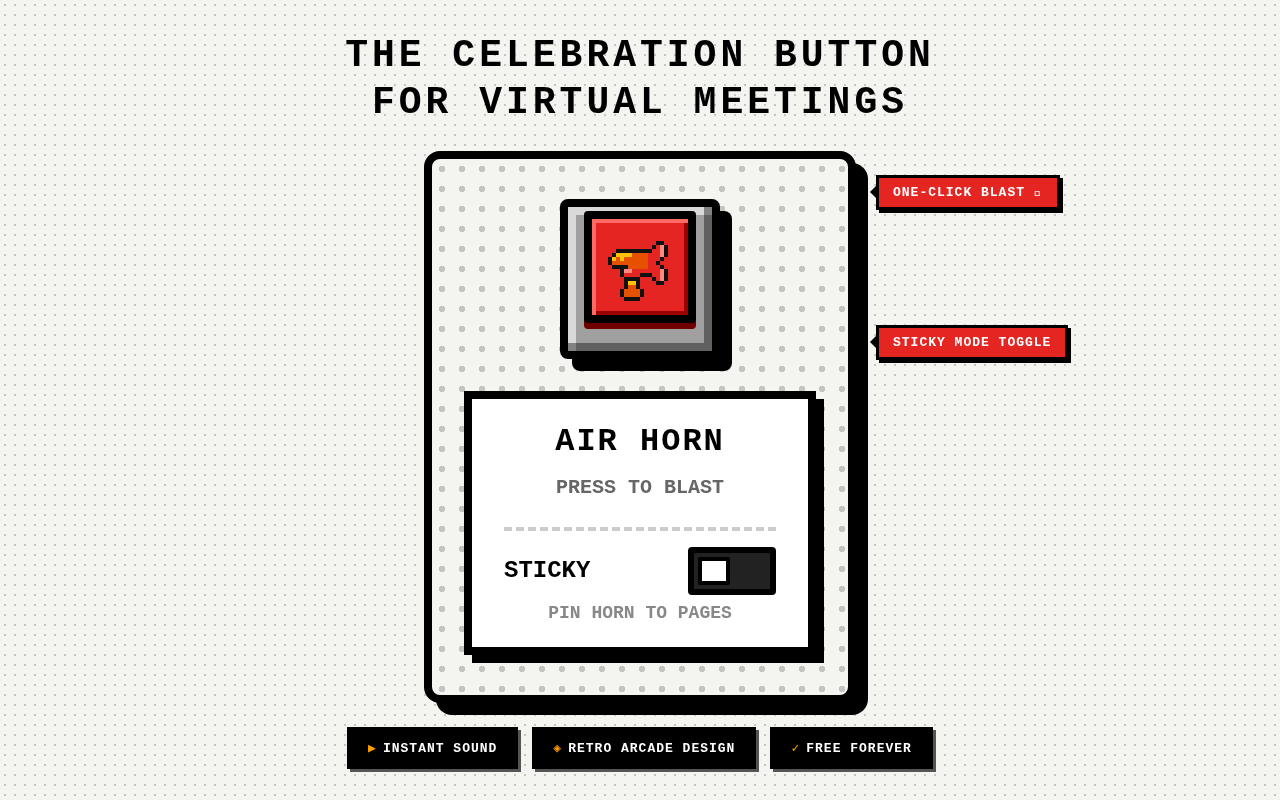
01 — THE POPUP
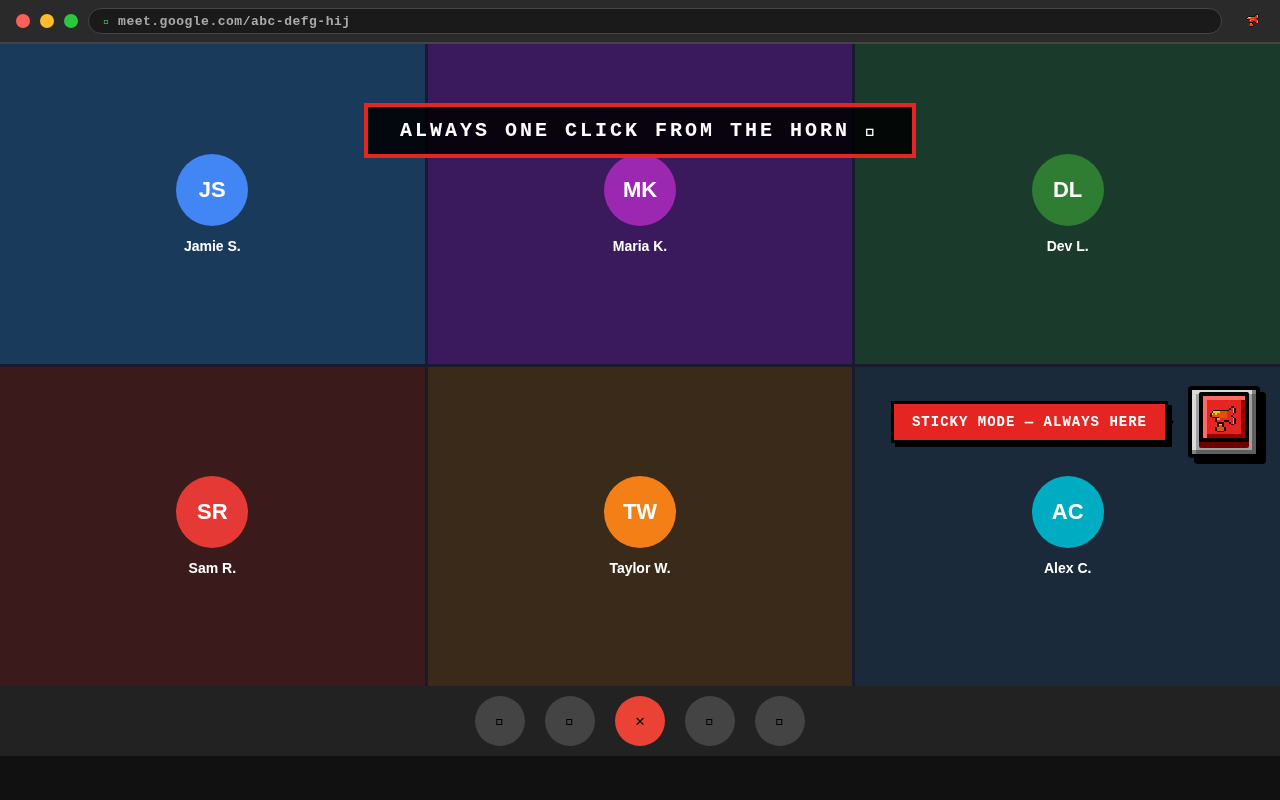
02 — STICKY IN A MEETING
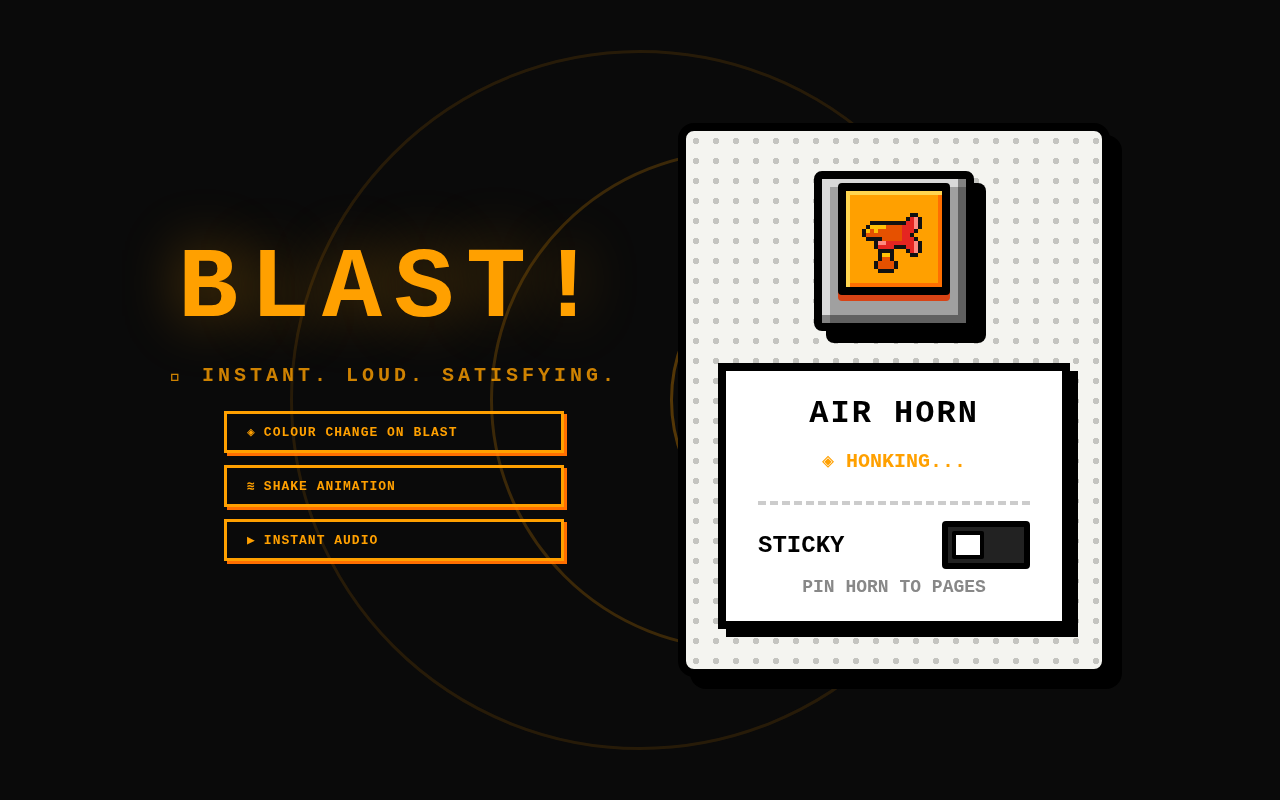
03 — BLAST STATE
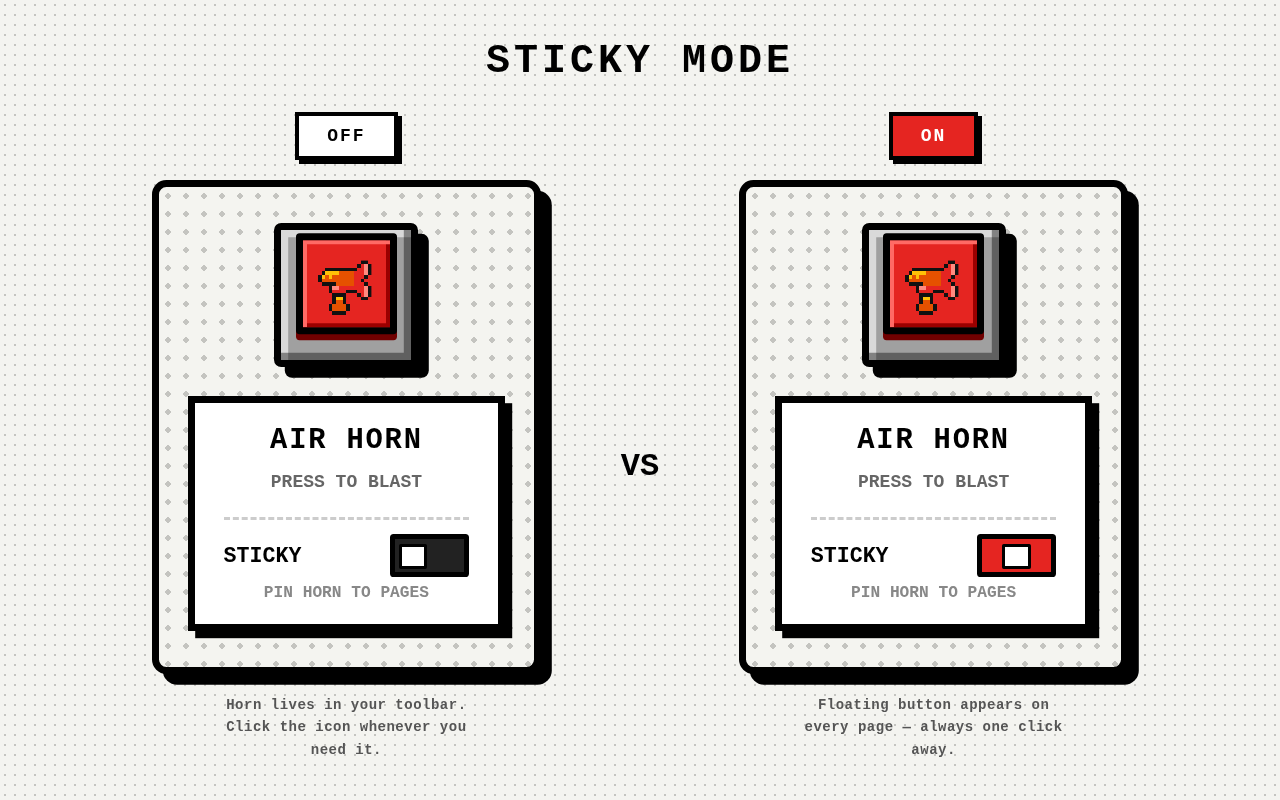
04 — STICKY MODE: OFF VS ON
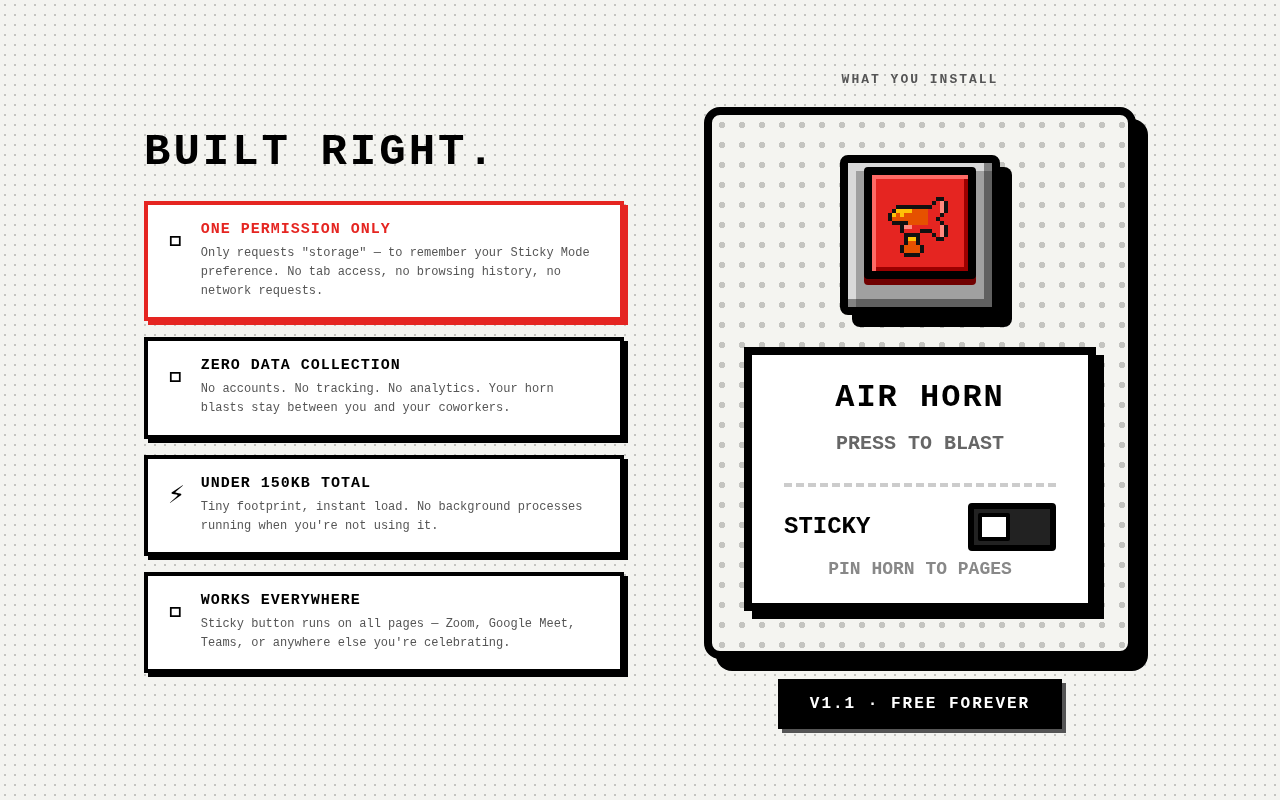
05 — BUILT RIGHT
HOW IT WORKS
UP IN 30 SECONDS
01
INSTALL THE EXTENSION
Click "Add to Chrome" above. Chrome adds the Air Horn icon to your toolbar instantly — no restart, no setup.
02
CLICK THE ICON
Click the Air Horn icon in your Chrome toolbar to open the popup. The big retro button is right there waiting.
03
PRESS TO BLAST
Hit the button. A full air horn blast plays immediately. The button shakes, glows orange, and ripple rings fire outward.
04
TOGGLE STICKY MODE
Flip the STICKY toggle to pin a floating horn button to every page — so you're never more than one click from the horn during a live meeting.
USE CASES
PERFECT FOR
- Remote teams celebrating a product launch, a sales win, or a sprint milestone
- Virtual all-hands meetings and standup calls that need a little more energy
- Online game nights, trivia sessions, or watch parties with friends
- Anyone who misses the satisfaction of a real physical celebration
- Punctuating a joke or breaking the tension during a long meeting
- Recognising a teammate's win in the loudest, most satisfying way possible
TRUST
BUILT RIGHT.
ONE PERMISSION ONLY
Only requests "storage" — to remember your Sticky Mode preference. No access to your tabs, browsing history, or any personal data.
ZERO DATA COLLECTION
No accounts. No tracking. No analytics. No network requests. Your horn blasts stay between you and your coworkers. Always.
UNDER 150KB TOTAL
Tiny footprint, instant load. No background processes running when you're not using it. Zero impact on browser performance.
WORKS EVERYWHERE
Sticky button runs on all pages — Zoom, Google Meet, Teams, or anywhere else you're celebrating. No platform restrictions.

INSTALL IT.
PRESS IT.
ENJOY IT.
Free forever. No sign-up. One click to install.
 ADD TO CHROME — FREE
Works with Zoom · Google Meet · Microsoft Teams · and every other website